
Travel Tips for London for First Time Visitors
If you’re visiting London for the very first time, it may seem like an intimidating city. It’s among the largest cities in the world with 32 boroughs. I write this not as a resident of London who knows it like the back of my hand, but rather as a recent fellow first time visitor.
That means I know what questions you’re asking because I was just asking them myself. I didn’t need to know why you should visit one attraction over the other…I needed to know how to navigate the city, pay for public transit, and what to bring with me everyday as I was sightseeing. So that’s what I’m here to do.
Let’s break down the basics to get you prepared for your trip. These travel tips for London for first time visitors are meant to ease some of that travel planning stress, so I hope I can help!

P.S. almost all of these tips are relevant to England and the UK as a whole!
Let’s get oriented
What’s Central London?
Let’s get our bearings. Like I said, London has 32 Boroughs and it can feel overwhelmingly big. Chances are during your visit, you’ll stay in Central London.
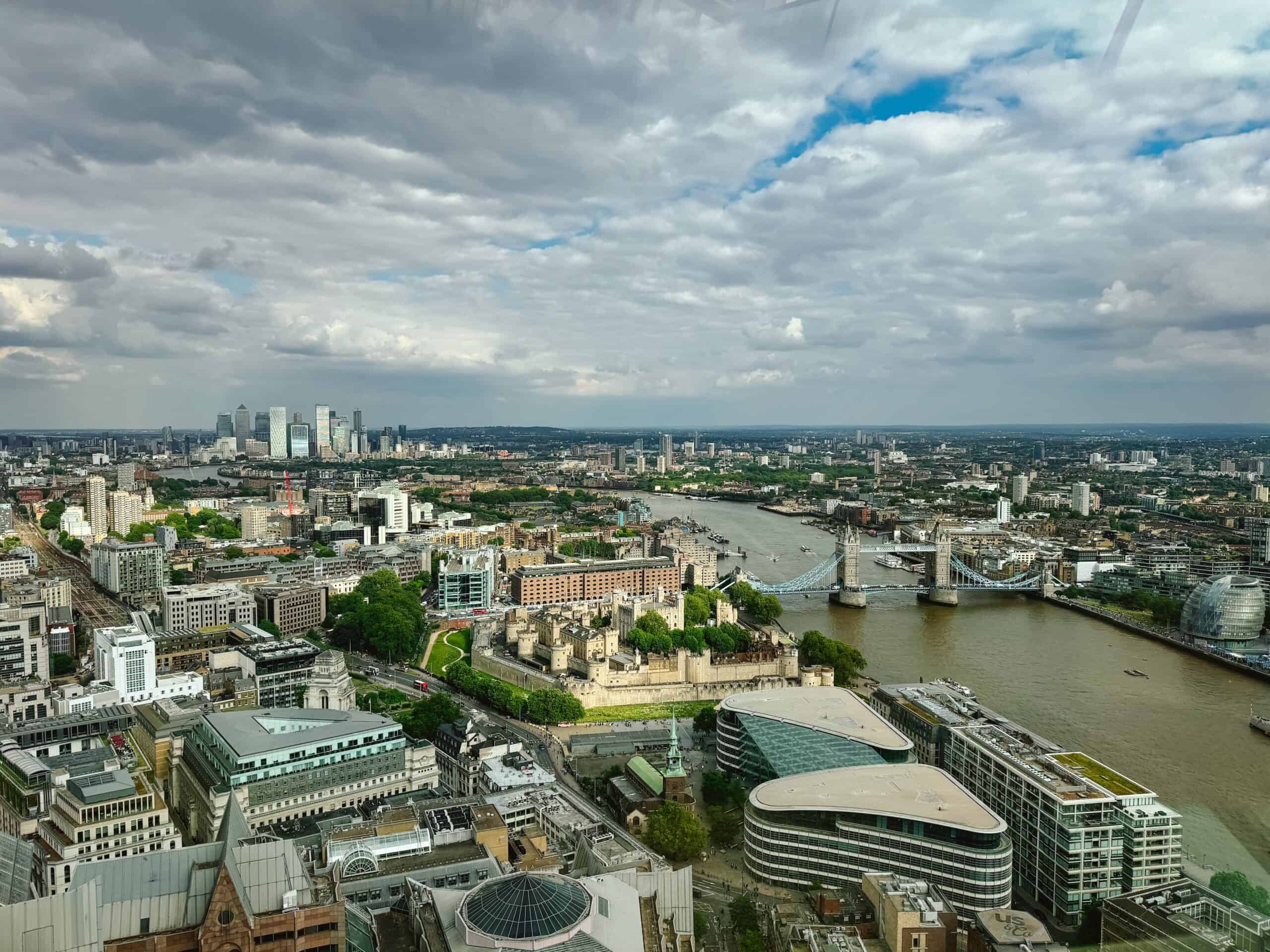
Central London is made up of several boroughs and contains the most popular tourist attractions like the Tower of London, the British Museum, Westminster Abbey, and Buckingham Palace.

It’s also easily navigated by public transportation. Traveling to various zones of London via public transportation can cost you more, however, staying in Central London limits you to Zones 1-5 (if that), so you really don’t have to worry about it. Phew.
I’ll explain public transit in detail in later sections, so read on!

Common terms to know
Underground/tube
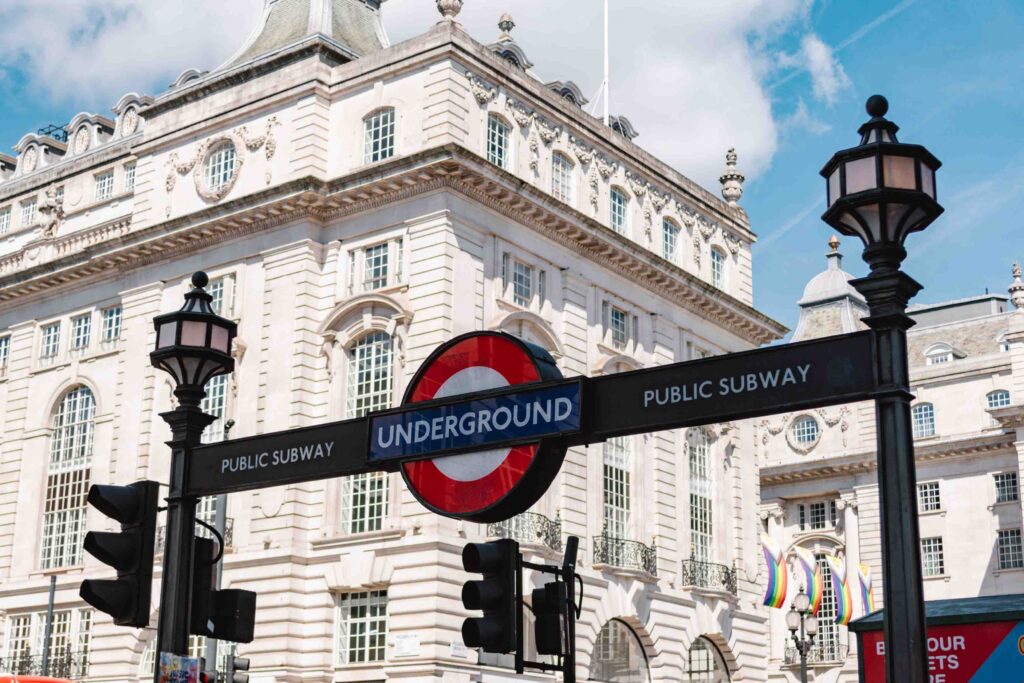
London’s subway system is called the Underground and the actual subway itself is the tube. They’re kind of used interchangeably in my experience.
Car park
This is a parking lot. If you’re looking for parking and see a sign for a Car Park, that’s what you want.
Park & Ride
Similar to a car park, a Park & Ride is a parking lot outside of town usually that you’ll park in then take a bus from there into town.
These are used to control traffic in condensed cities around the UK and reduce the associated emissions.
Car registration
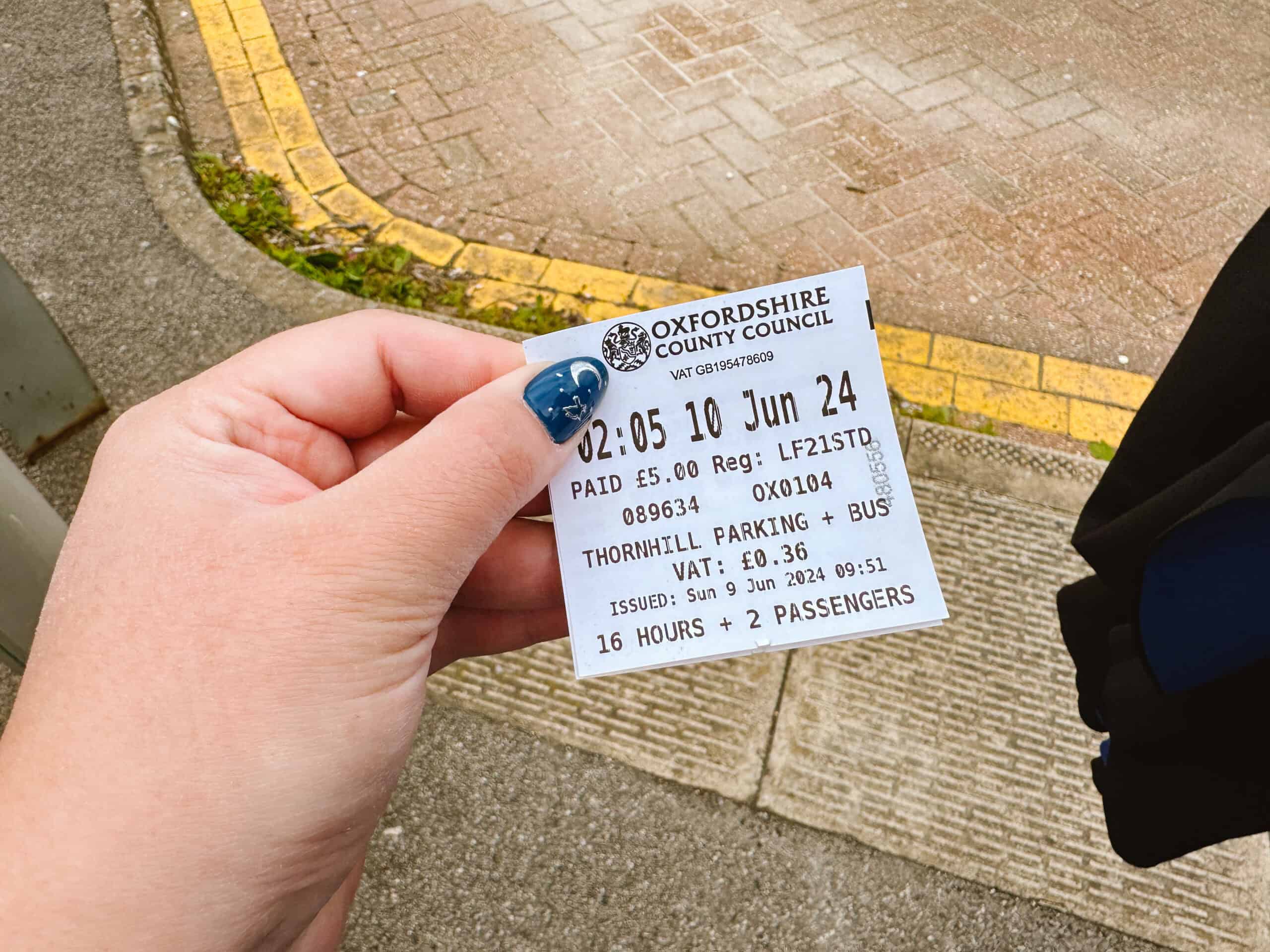
Nope it’s not the same as your registration in the US, it’s just your license plate number. When you pay for parking, you may be asked for your registration and they just want you to enter in your plate number.
I always recommend taking a photo of it, so you don’t have to make the walk of shame back to your car to get the info.
Footway or footpath
These are other names for sidewalks and pathways. They have footways all over the country that are free to traverse.

Kissing gate
Kissing gates are used to prevent livestock and other animals from leaving their enclosure. However, they are designed so that humans can pass through.
That means you may be following a footpath that looks like it is blocked by a gate, but if it’s a kissing gate, it’s meant to be passed through by humans and the path likely continues on the other side.
Newer ones look like curved gates – kind of like a letter J on its side.
You’ll see these the farther away from London you go.
Concessions
These are reduced ticket prices that are discounted for various groups of people. For example, students, seniors, caregivers, and more.
If you’re looking for any of these discounts and see something labeled as a Concession price, ask if it includes the discounted group you’re looking for. It definitely might!

The big kahuna. At least for me, navigation is always my biggest stressor when traveling. I just hate figuring out new systems everywhere I go.
But fear not, I’ve got your back. Here’s what you need to know!
Use contactless form of payment on public transit
First, you don’t need to purchase a physical card to use public transit. In London, they’re called Oyster cards and you simply don’t need them. They cost £5 and then you add money to them.
Instead, you can use your preferred contactless form of payment whether that’s your own physical credit card or your digital card in your phone’s wallet.
In fact, I’d suggest adding a card to your phone’s wallet ahead of your trip, so you don’t need to fuss with a physical card at all.
When to tap to pay
This is important!
On the tube, you tap in and out when entering and leaving the station. You literally cannot enter or exit without tapping on the turnstiles. Tapping in and out allows you to pay based on where you traveled – again, they make it easy so you don’t have to worry about which zones you’re traveling to and from.
The other extremely important thing to note here is that you have to tap in and out with the same card otherwise the system can’t register your journey properly and you may get overcharged.
On the bus, you only tap in. No tapping out at all. You just leave.
It’s a flat fee for bus fares whereas tube fares change depending on the zones you visit, hence the difference.
Bus stop letters
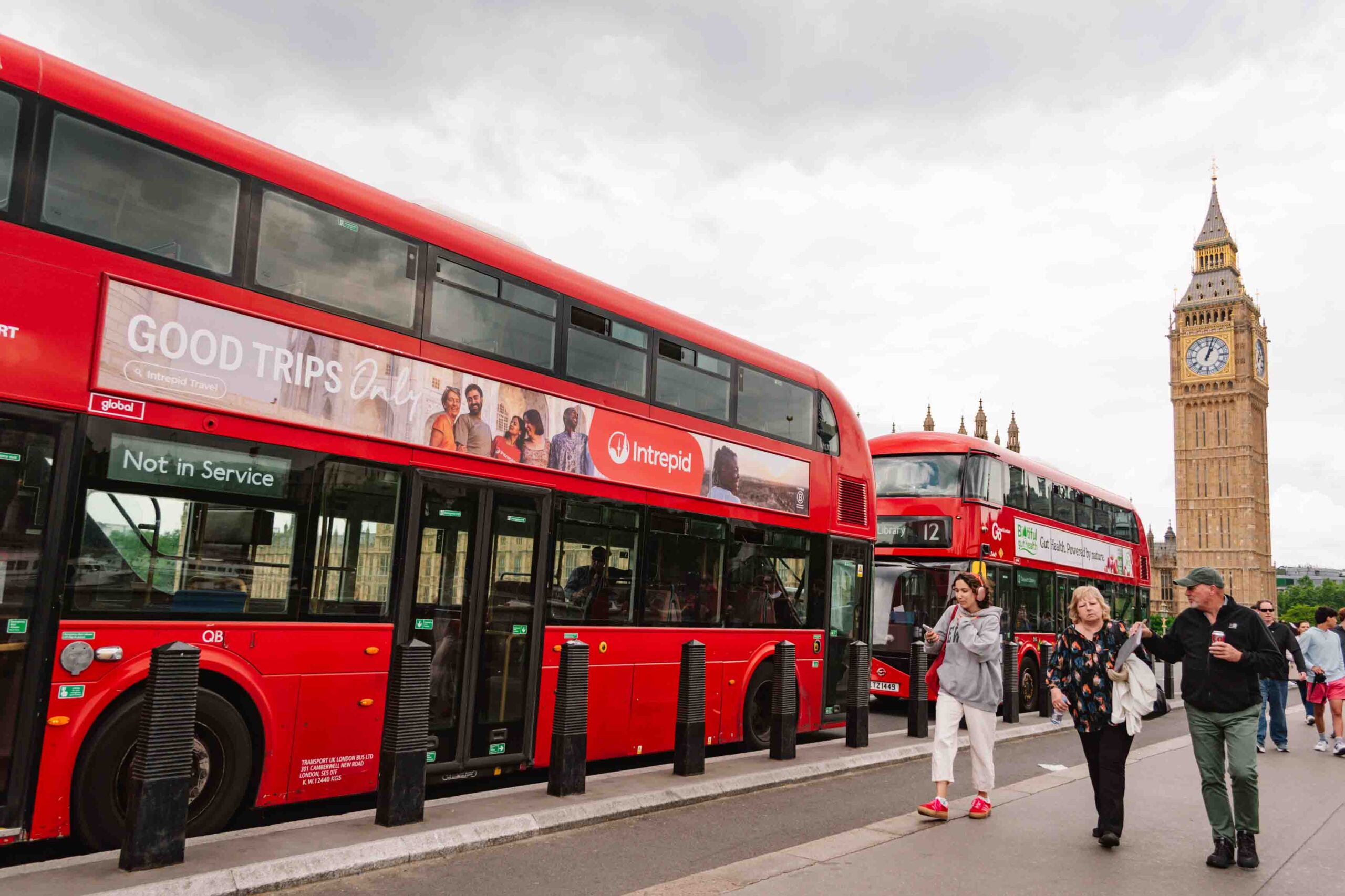
When you are looking for bus stops, there’s a few factors to check. One is the actual stop name, but almost more importantly is the letter.
I really grew to like this system because it was so much easier than trying to match up unfamiliar names. Instead, you can simply look for the bus stop letter to ensure you are waiting in the correct place.
For example, the stop on the north side of the street may have the letter H, whereas the opposite side and direction is letter K. It’s an easy way to ensure you’ll end up on the correct bus headed the correct direction.
The bus stop letters are shown on Google Maps when you’re navigating.

Boarding a bus
It might seem obvious, but when you board the bus, there’s a tap sensor right next to the driver. That means, you’ll need to have your payment ready and you’ll enter from the front of the bus only.
Exiting the bus
Again, it may seem obvious, but to exit, you need to push the Stop button so the driver knows that a passenger (you) want to get off on the next stop.
I like to track my real time location on Google Maps while the directions are pulled up so I can see all the stops laid out, so I know where I am relative to the stop I need to get off at, and when exactly I pass the previous stop. All of these clues help me know when to push the button.
Finally, when getting off, you want to exit via the rear or side doors, depending on which your bus has. Don’t leave via the front unless there’s truly no one getting on.
Boarding the tube
Now I know all of these tips may seem obvious, but sometimes it’s just nice to read it all in one place. Apologies if this is too basic…feel free to scroll down for more tips.
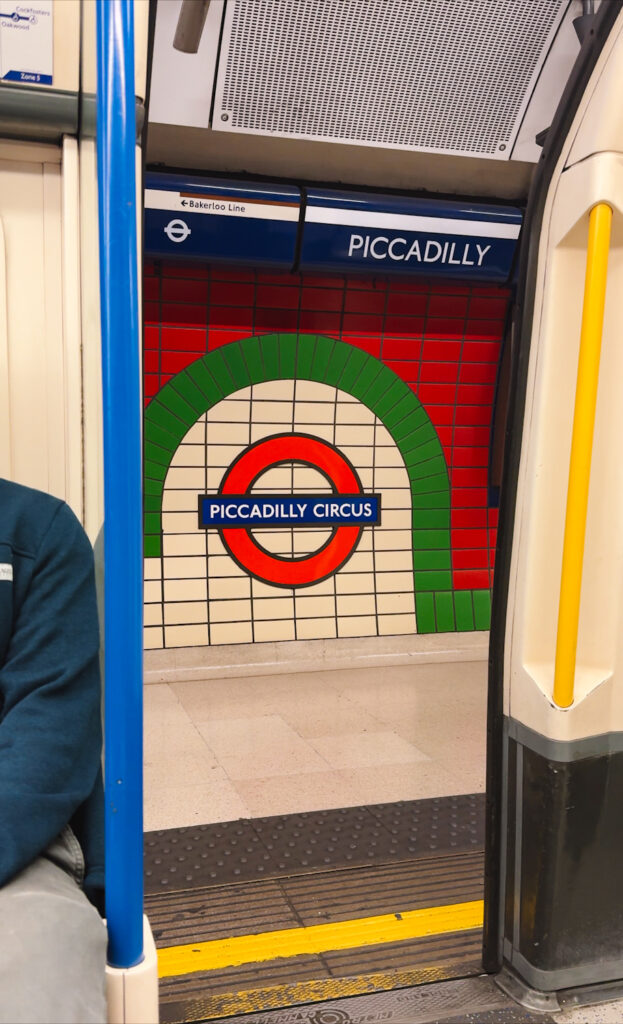
When you board the tube, there is a green button to open the doors. You need to push it every time unless someone is getting off and pushes the inside button first. Otherwise, those doors will remain closed. They don’t automatically open.
Where to stand/sit on public transit to avoid pickpocketers
In order to avoid pickpocketers, you want to avoid standing near the doors on public transit, especially if you are planning to hold your phone in your hand.
This goes for bus stops, too! We actually saw someone get pickpocketed right next to us at a bus stop. He was holding is phone in his hand and someone on a bike rode right past and grabbed it right out of his hand! It was horrible!!
I also saw someone reading a newspaper with the massive headline “Phone Snatch City” so all this to say, protect your belongings and get a phone case necklace or anti-pickpocket bag if you need to!
Daily caps
When you’re tapping all day, it might seem like you’re spending a ton of money, when in reality there are daily caps that prevent you from being charged too much.
This is why it’s so important to use the same card every time, so the system will know when to cap your fares.
The daily cap depends on the zones you travel to, but start at £8.90. Again, you likely won’t be traveling too far from Central London if at all, so you don’t need to worry too much about the zones.
Phone battery
If you are using your phone’s wallet to pay contactless as you go, make sure you have enough phone battery to get through the day.
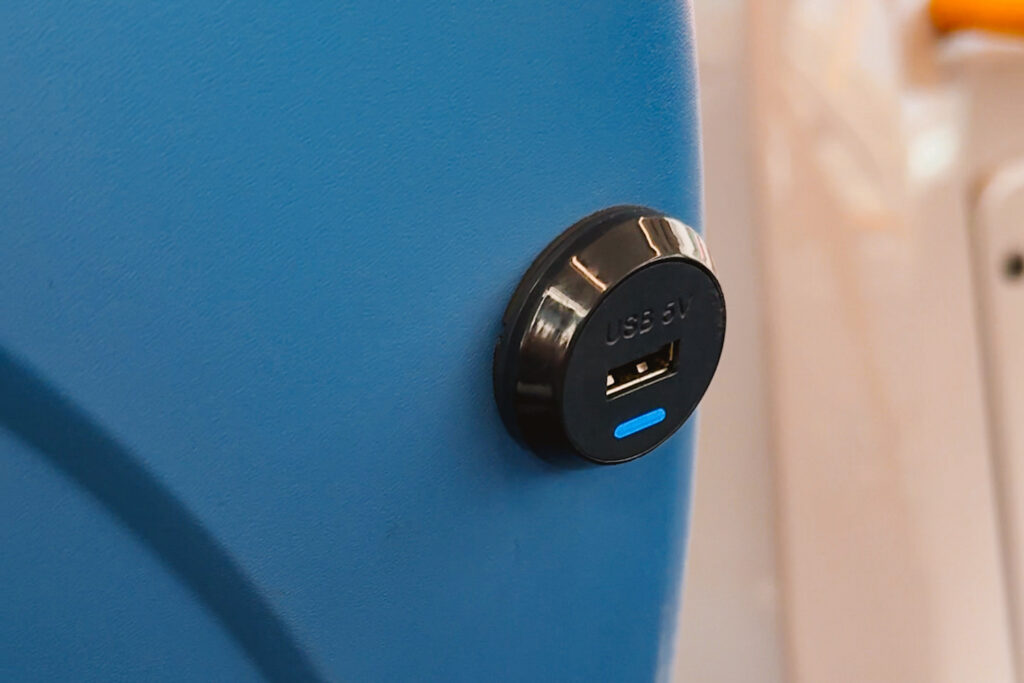
Some buses have USB ports so you may be able to charge your phone as you travel. However, I recommend a compact battery pack, just in case.
Tips for Driving in London
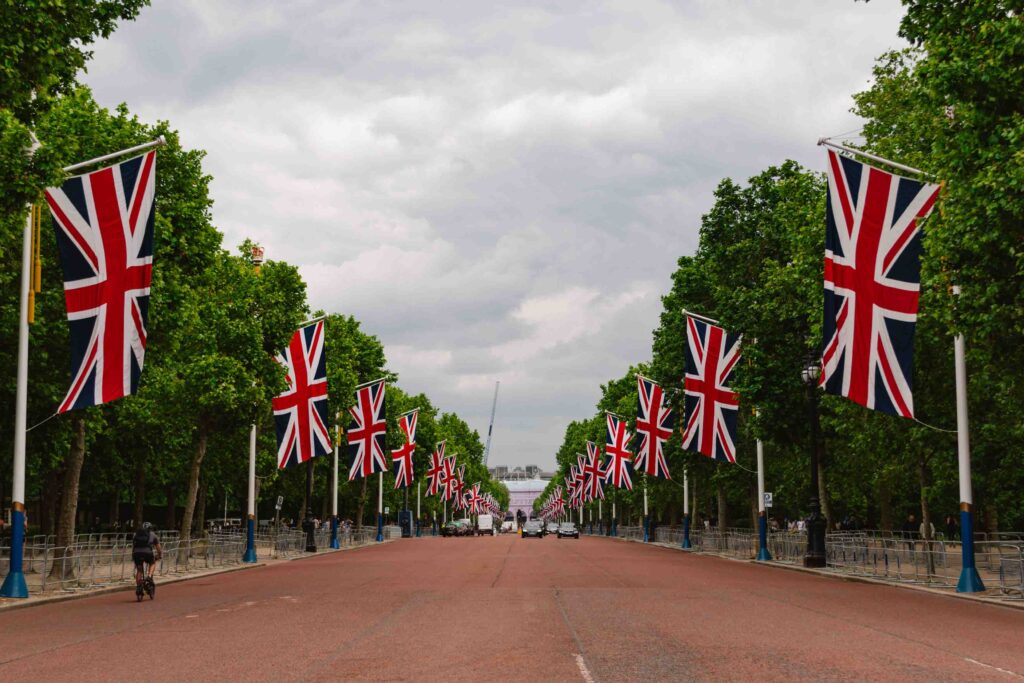
Drive on the left, pass on the right
Yepp, if you’re driving, they drive on the left in the UK. That means you’ll pass on the right and stay to the left if you are slower.
Driving can feel intimidating, but I promise once you do it for a bit, you’ll get the hang of it.
Roundabouts
Roundabouts are very common in the UK. They range from tiny circles on the ground that you can barely see to multi-light curves where you can’t even see around the plants in the center.
Like driving on the opposite side of the road, you get used to them. The hardest part is knowing which lane you need to start out in to make it to the correct exit. Google Maps helps tell you!
Remember to look to your right as that’s the direction the oncoming cars will be coming from.
Imperial units
As a scientist, this was so confusing to me. In the US, we use imperial units like miles and yards, but we’re literally only three countries in the whole world that use them.
Except apparently the UK’s road system. Yepp, they use miles and yards to describe distances on highways and miles per hour, not kilometers per hour, on road signs.
This is even more confusing because rental cars default to metric units in the UK. Meaning they show you kilometers per hour. AND your gas gauge and gas stations use liters not gallons.
So in London and the UK, it’s liters, miles per hour, and yards.
Parking
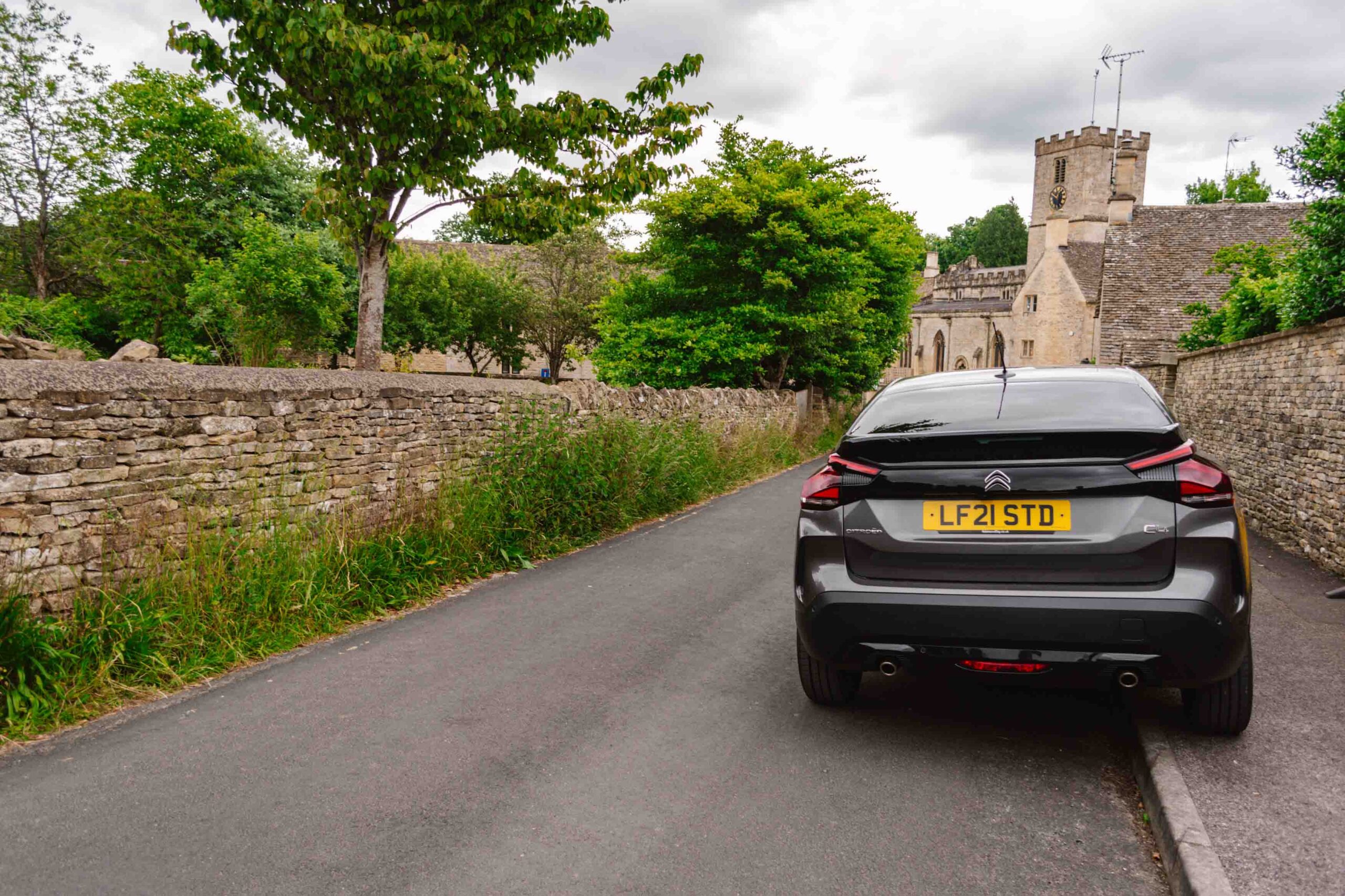
Street parking may be on sidewalks
When I said that driving isn’t too bad and you get used to it…parking is another story.
Parking feels like a free for all, especially if you leave central London. You may not, so this may be irrelevant.
But, just in case, street parking is often partially on sidewalks. That can make it tricky to drive because parked cars kind of pop out of nowhere because of how they’re parked.
Parking in London
Honestly, parking in London is tricky. There is some street parking, but they often have restrictions during the day and it’s quite limited.
If you are driving, you can expect private lots and garages that cost a good bit.
If you can avoid driving and just use public transit, that will likely be better for your budget and stress.
Etiquette
Stand on right
So remember how driving is on the left? Well, that system only applies to driving. When you’re walking through London and especially in tube stations, you stand on the right to let others pass you on the left.
I didn’t say it makes sense.
Gas station etiquette
As an American, this was so strange to me, but at gas stations, you pay after you fill up your tank and you pay inside always.
There’s no card readers or anything at the pump.
To pump your gas, you simply select the grade, remove the pump, wait for the screen readers to show all zeros, and then fill your tank. It’ll show the price and liters as you go as expected, and then to pay when you’re done, you’ll go inside to the counter.
What’s stopping people from driving away without paying? The goodness of our hearts, I guess.

Apps to Download
XE Converter
Any conversion app will do, but I’m partial to XE Converter. You just want to be able to convert GBP (Great Britain Pounds) to USD (US Dollars) so you know what you’re really paying in your home currency.
TFL Go
This is London’s official public transit app. It can help you with navigation, route planning, and any alerts or closures you need to know about.
CityMapper
Some people LOVE this app for navigation. I have only used it on occasion as I find Google Maps to be all I need. However, if Google Maps isn’t working for you, give CityMapper a try!
Google Maps offline
I highly recommend downloading a map of London offline in Google Maps. Not only will you be able to see a map if you’re underground in a tube station or without WiFi, but Google Maps allows you to customize your route.
You can prioritize the routes based on least amount of walking, fastest, cheapest, and preferred type of transit.
Plus, you can have it dictate your directions into your headphones, so you can stow your phone and further help prevent pickpocketing.
Related read >> 35+ helpful travel apps
- Itinerary for a Harry Potter road trip through Scotland and England
- First timers 1 day in London itinerary
- Harry Potter themed day trip to Oxford itinerary
- How to spend a magical Harry Potter day in London
- Review of the Caledonian Sleeper train
- What to do in Oxford for a day
- Cotswolds day trip itinerary
- Guide to Harry Potter Studio Tour
- Itinerary for 1 day in Edinburgh, Scotland
My Travel Essentials
- Travel Insurance – Going on an international trip? Don’t forget travel and medical insurance with SafetyWing.
- Travel Card – If you’re new to travel hacking, fear not! My favorite card for beginners gives you $750 in rewards when you spend $4,000 in the first 3 months, plus lounge access, 10x points on hotel bookings, and free TSA pre-check!
- Get Your Guide – Check out Get Your Guide for a one-stop-shop for booking travel activities.
- Booking.com – This is my favorite hotel search aggregator, specifically for reading reviews. On Booking.com, the reviews can be searched for keywords like WiFi, breakfast, pool, amenities, etc.! So helpful!
- Anti-pickpocket bag – Worried about having your valuables swiped? PacSafe makes the best travel bags with zippers and straps that lock and with mesh steel enforced fabric.
- Give the Gift of Travel – This is the perfect gift for travelers in your life! Tinggly allows you to gift experiences around the world, perfect for birthdays, weddings, or anniversaries.
- Staycation Idea – Check out Resort Pass, which gives you day passes to resorts so you can use their pool, spa, and fitness center, a great staycation idea!
Save to Pinterest